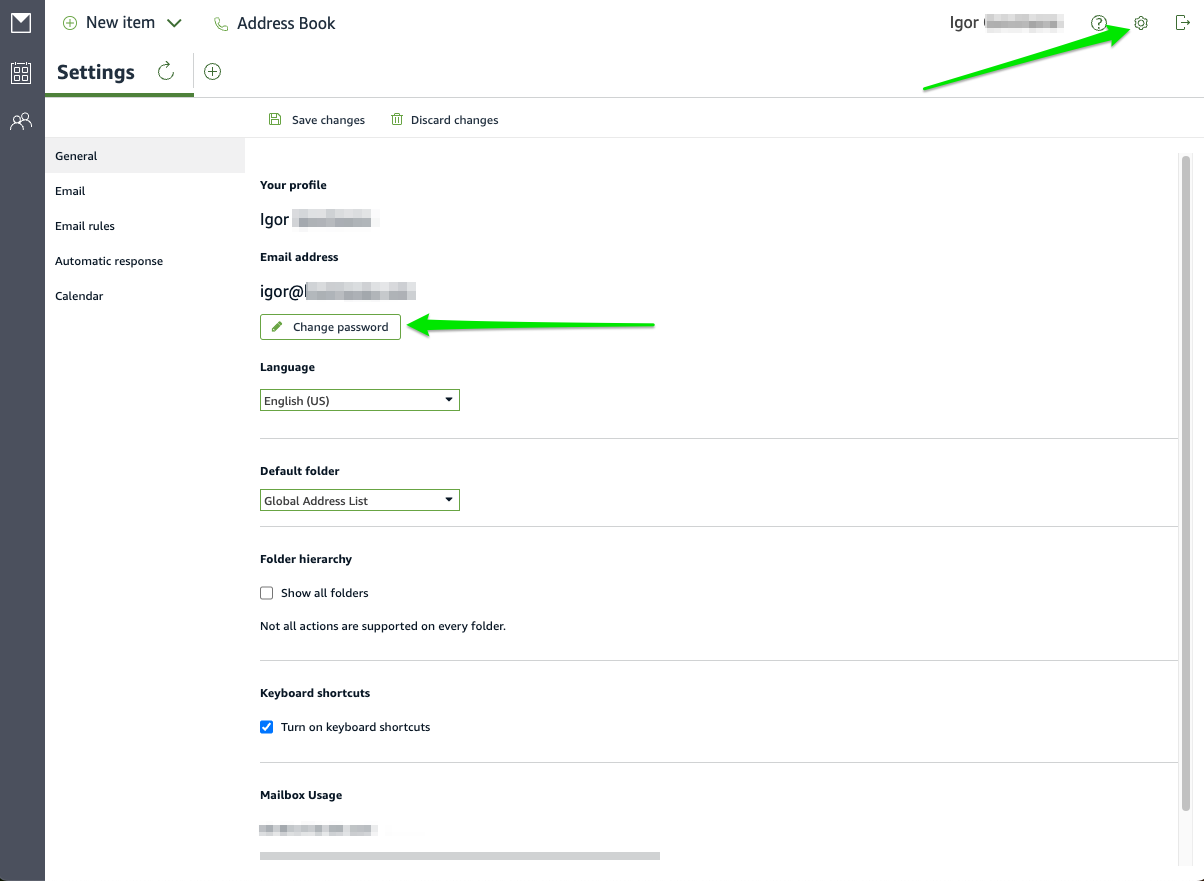
How user can update his/her password
- Login to https://hebusa.awsapps.com/mail/ or https://hostmysip.awsapps.com/mail/
- Click the setting icon in the right corner and click “Change password”:
How to reset password from AWS WorkMail console:
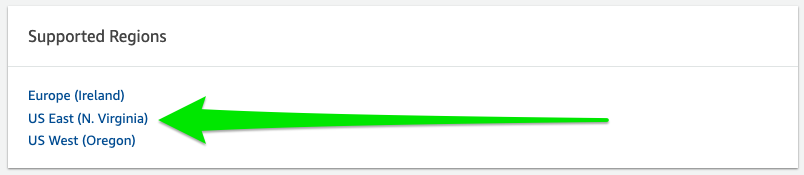
- Log into the Amazon WorkMail Organizations Service (link)
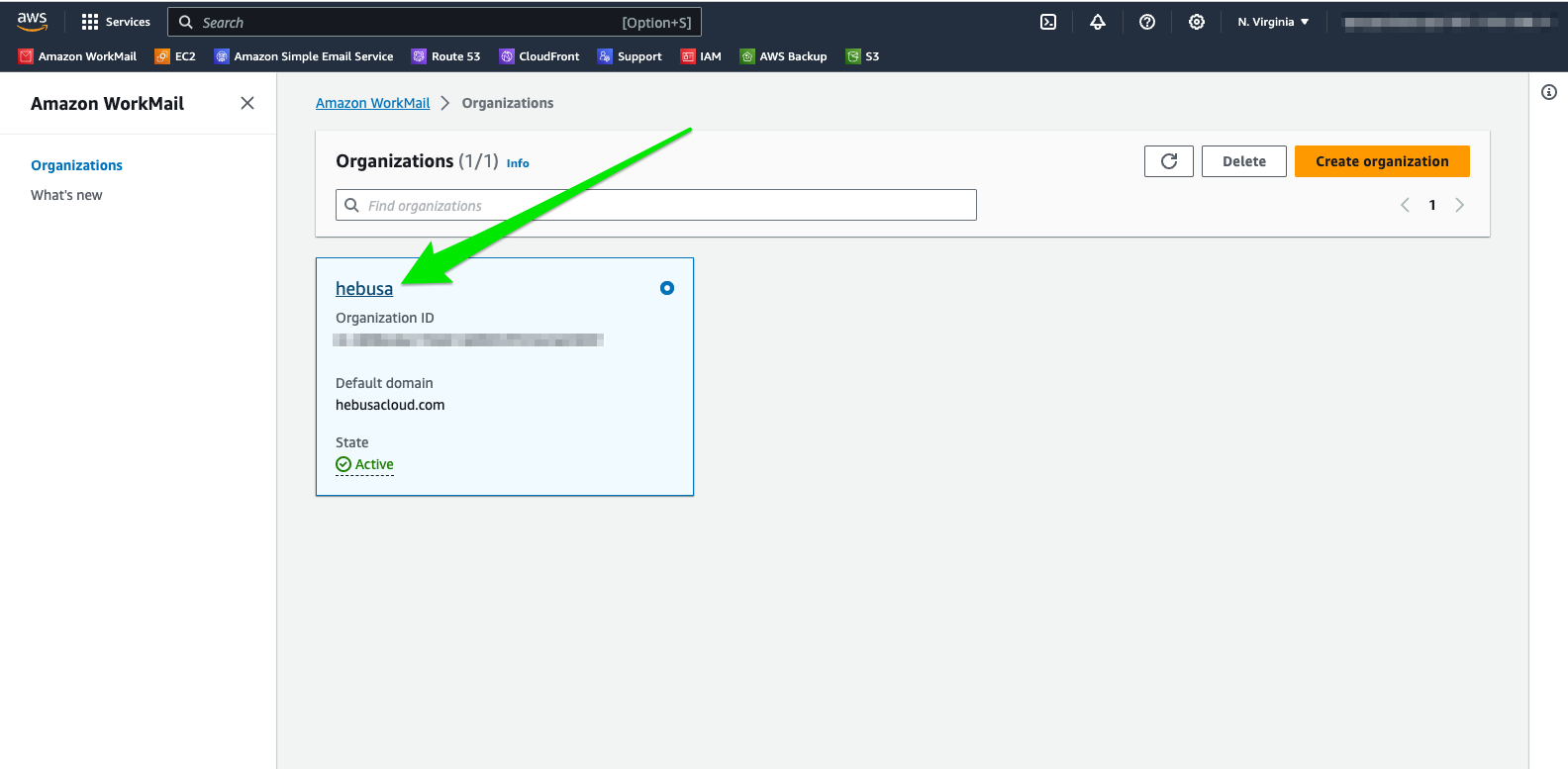
- Navigate to the Organization tab
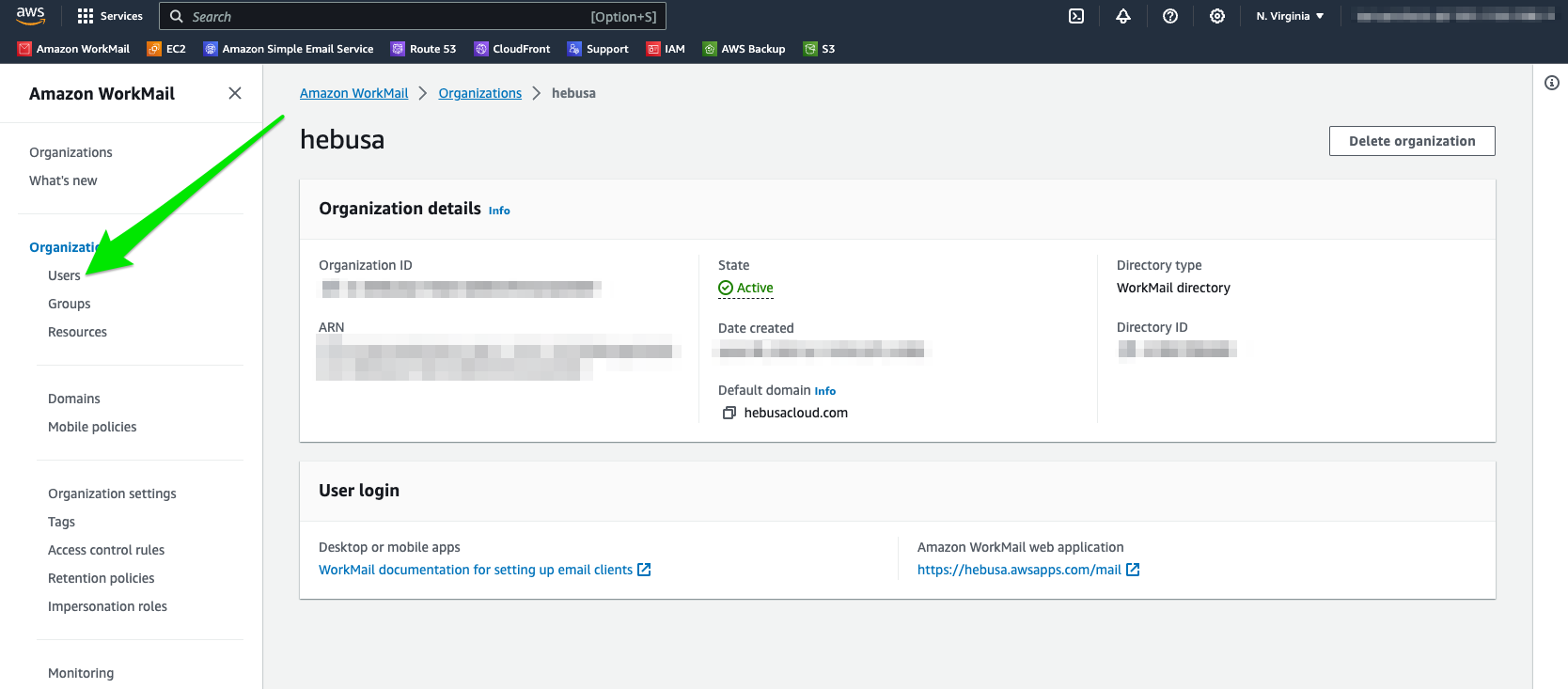
- Click on the proper organization:
- Proceed to click on the “Users” link:
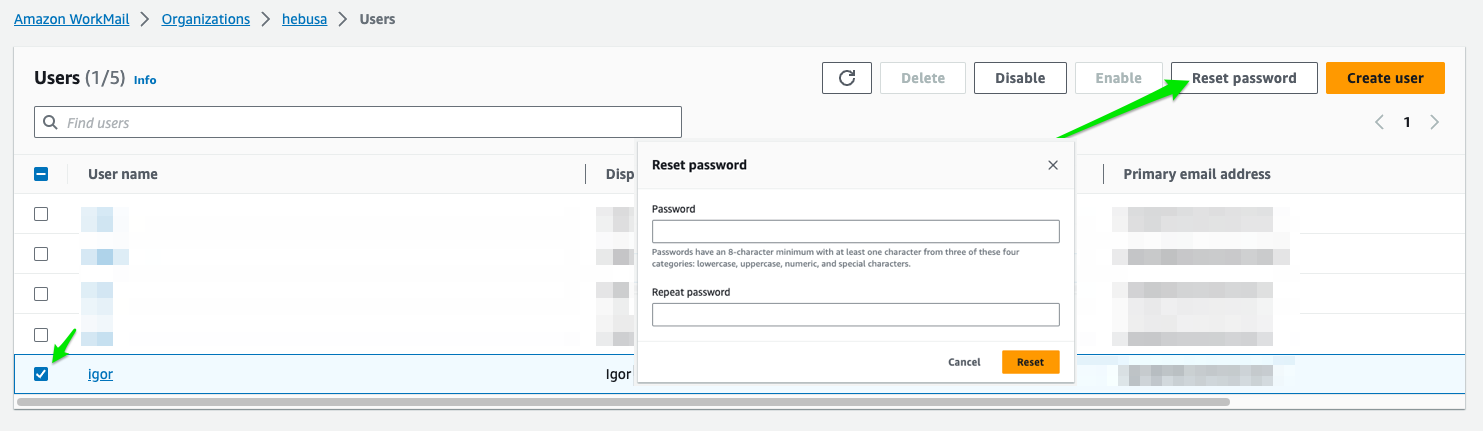
- Select a user and click “Reset password”: